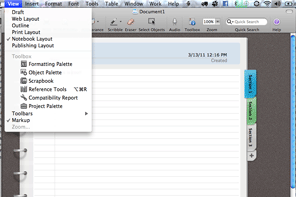
I was sitting in Starbucks doing some work when I saw a girl going over her notes on her Mac in MS Word, but with a very cool layout…a layout that not only looked like a real notebook, but that also had tabs! Just having the notebook layout may be cool for students, but it’s not very functional. However, adding the use of tabs to the mix makes all the difference.
Take a look:
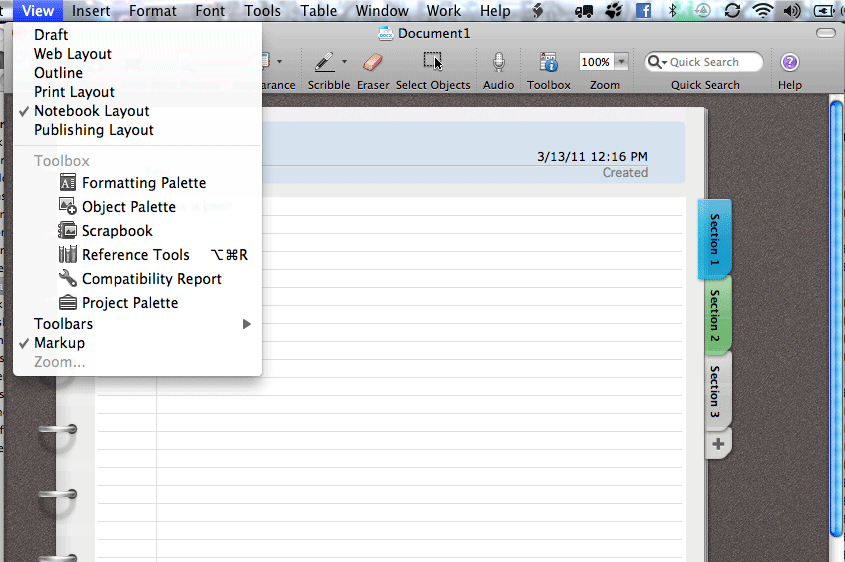
Why does tabs add so much more to it?
Let’s say you’re at a seminar with multiple speakers. Instead of having one LONG documents that has notes from each speaker, or instead of having multiple docs, one for each speaker, you can now have ONE document with your notes from each speaker separated by tabs! So much easier to work with and find things.
To activate it, all you have to do is go to VIEW>NOTEBOOK LAYOUT. Then click on each tab on the right to go to that section of the document. To ADD a tab, just click on the “+” below the last tab. And to delete a tab, just RIGHT-click the tab you want to delete and select “delete.”
The version of MS Office that I’m running is MS Office Home and Business for Mac, but, of course, it’s also a feature in Word in MS Office Home & Student.
Enjoy!
Los Angeles Computer Repair | Los Angeles Computer Tech | Computer Repair Services

 Do you have some computer problems that, even if you knew how to fix, you just would not want to take the time or effort to fix them? Or, do you have some things that need to be done with your computers or computer network, and you need someone to come to you to take care of it so you don’t have to go through the hassle of disconnecting all of the cords and lugging in your computer equipment to some shop across town? Then let me take care of that for you while you continue to do what you do best.





